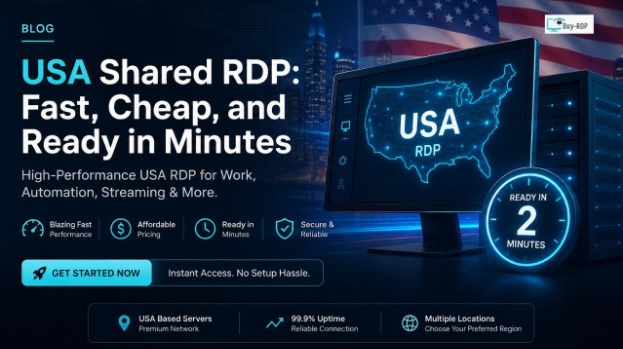
Need remote access to a Windows machine sitting in the United States, but a full dedicated server is overkill for what you’re doing? A USA shared RDP is probably the right fit.
Here’s the problem most people run into. You need an RDP for one specific job testing an app, running a bot, managing ad accounts, or reaching a US only website. But dedicated RDP plans are expensive, and getting one set up can eat up an entire day. It is a poor deal if you will be using the device for just a few weeks.
A shared RDP fixes both issues. The server’s cost gets split across multiple users, so you pay less. And because there’s no custom setup involved, you’re logged into a US desktop within minutes of paying.
This guide covers what a USA shared RDP actually is, how it stacks up against a dedicated one, what drives the price, and how to pick a plan without wading through technical jargon.
What Is a USA Shared RDP?
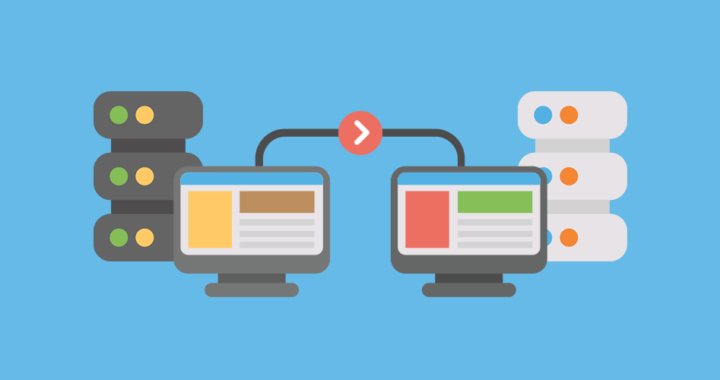
RDP means Remote Desktop Protocol – the protocol which enables you to access and control the computer as if you are working on it in another location.
USA shared RDP hosting is an RDP hosted on the Windows server in the USA, and the computing resources of the server (CPU, memory, bandwidth) are shared by several accounts.
Consider it in the light of the following analogy:
- Dedicated RDP = owning a house. Full control, full cost.
- Shared RDP = renting a unit in an apartment building. You get your own private space, but the building’s upkeep cost is spread across everyone living there.
Every user on a shared RDP still gets:
- Their own login and desktop session
- Their own apps and files
- Admin rights within their session (depending on the plan)
Nobody else can see your screen or touch your files. What’s shared is the underlying hardware, not your session.
Why People Pick Shared RDP Hosting
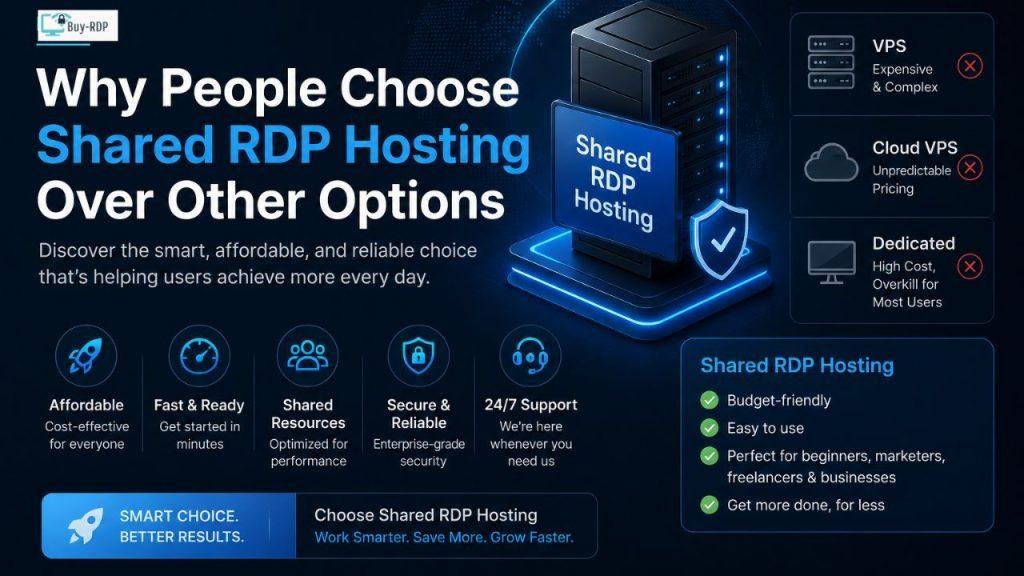
A few reasons this option has become the default starting point for anyone running US-based tasks from outside the country.
It’s Actually Affordable
Splitting the server cost among multiple users means shared RDP plans cost far less than a dedicated server or VPS with comparable specs. That makes US access realistic for freelancers, small teams, and solo users on a tight budget.
Setup Is Minutes, Not Days
Most providers activate accounts automatically right after payment clears. You’ll usually have your login, IP address, username, and password within 5 to 15 minutes.
No Technical Setup Required
You don’t touch server configuration, OS installation, or firewall rules. It arrives pre-configured with Windows, ready to use.
Built for Short-Term or Test Use
If you only need a US IP or Windows environment for a short project, a dedicated server is a waste of money. Shared RDP plans are typically billed daily, weekly, or monthly matching how long you actually need it.
Key Benefits of USA Shared RDP
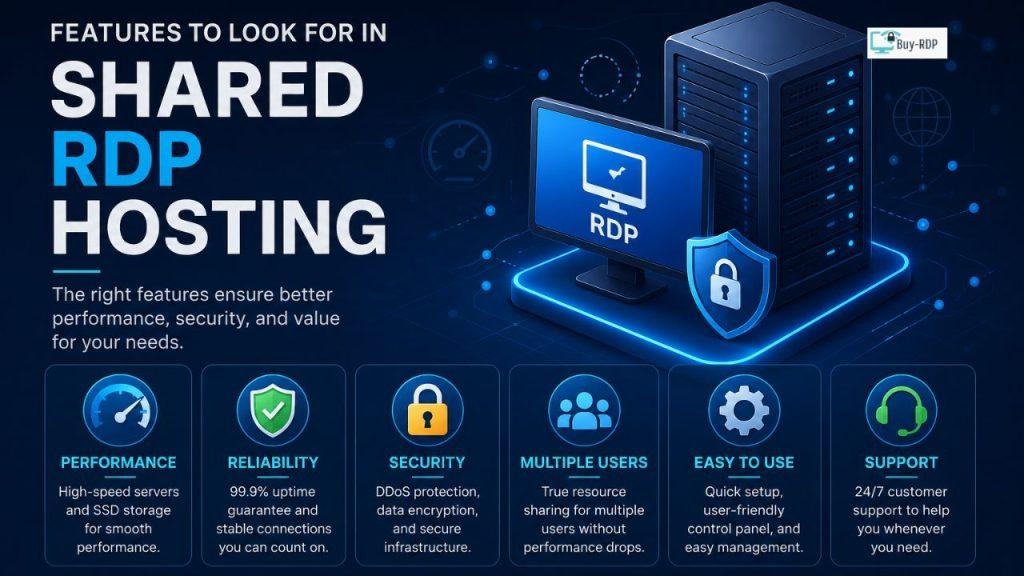
- Lower monthly cost than dedicated RDP or VPS
- Fast activation – often within minutes of payment
- A US IP address, useful for region locked services, US ad campaigns, or geo testing content
- Access from any device with an internet connection, any time
- No hardware maintenance on your end – the provider handles that
- Easy upgrade path to a bigger plan or dedicated RDP once your needs grow
What to Check Before Buying Shared RDP Hosting
Not all shared RDP providers offer the same quality. Check these before you commit:
Server Location
Confirm the server is actually hosted in a US data center not just marketed as “USA.” Ask the provider for the specific state or city.
RAM and CPU Allocation
Even on a shared plan, you should get a guaranteed minimum of RAM and CPU cores. Avoid vague “unlimited shared” packages. For light tasks like browsing and office work, 2GB to 4GB RAM is typically enough.
Windows Version
You should have a choice of OS – Windows Server 2022, Windows Server 2019, or Windows 10 – depending on what your software needs.
Admin Rights
Check whether you get admin rights within your own session. This matters if you plan to install custom software or change system settings.
Assurance of Uptime
Choose the assurance of 99.9% uptime. The higher the number, the lesser the possibilities that you could become a victim of any unexpected downtime.
Support Availability
Since you’re working remotely, round-the-clock support matters, problems don’t wait for business hours.
Shared RDP vs Dedicated RDP: The Real Difference
This is the question most buyers ask before purchasing.
| Factor | Shared RDP | Dedicated RDP |
| Cost | Low, budget-friendly | Higher, full server pricing |
| Resources | Split among users | 100% reserved for you |
| Setup Time | Minutes | Minutes to a few hours |
| Performance | Good for light-to-medium tasks | Best for heavy, resource-intensive work |
| Best For | Testing, browsing, small automation, short projects | Large scale automation, app hosting, high traffic use |
| Customization | Limited to your session | Full server-level control |
| IP Address | Shared or semi-dedicated | Fully dedicated |
| Scalability | Easy to upgrade later | Already at max capacity |
Quick rule: pick shared RDP if you’re budget-conscious, experimenting, or running light-to-average workloads. Pick dedicated RDP if you need consistent heavy performance, zero downtime tolerance, or you’re scaling a business process.
Most buy-rdp customers start on shared and move to dedicated once their workload actually justifies it the smarter way to avoid overspending upfront.
Who Should Use a Cheap Shared RDP Plan?
Shared RDP fits a specific set of use cases well:
- Freelancers needing a US based Windows environment for client work
- Digital marketers running US targeted campaigns or using SEO tools that require a US IP
- Small business owners needing basic remote access without owning a server
- Students and researchers accessing US-restricted material or software
- Sellers managing accounts on US marketplaces like Amazon or eBay
If your workload is light to moderate and you don’t need guaranteed exclusive performance, shared RDP is usually the more cost-effective choice.
How to Get Started With buy-rdp’s USA Shared RDP
- Pick a plan based on the RAM, CPU, and storage you need
- Complete payment through the available options
- Get your login details – IP, username, password – usually within minutes
- Log in via Windows Remote Desktop Connection or any RDP client
- Start working on your US desktop right away
There’s nothing to fill, nothing to be approved, nothing to set up.
Key Points of Interest
- A USA shared RDP is a remote Windows desktop hosted in the US, with resources split among a few users
- It costs significantly less than dedicated RDP good for budget conscious, short term use
- Activation typically takes 5 to 15 minutes after payment
- Shared RDP for light to moderate load; dedicated RDP for heavy load
- Check server location, guaranteed RAM/CPU, administrative access, and uptime before purchasing
- buy-rdp offers shared USA RDP accounts with fast activation and responsive support
FAQ
What is USA shared RDP used for? Common uses include accessing US only websites, running US ad campaigns, software testing, account management, and general remote access to a Windows desktop from anywhere.
Is shared RDP safe to use? Yes. Even though hardware is shared, each user gets an isolated session with their own login and files other users can’t see or access your session. Reliable providers add firewalls and server monitoring on top of that.
How fast can I get a USA shared RDP account? Most accounts activate automatically within 5 to 15 minutes of payment confirmation, one of the fastest ways to get US based remote access.
Comparison between the two types of RDP performances.
In shared RDP performance, the server is divided amongst various users and hence performs well during light tasks but not during heavy server load. In dedicated RDP performance, the whole server is reserved for an individual hence better performance.
Can I upgrade from shared RDP to dedicated RDP later? Yes. Most providers, including buy-rdp, let you upgrade as your needs grow. Many users deliberately start on shared and move up once their workload increases. [INTERNAL LINK OPPORTUNITY: upgrading to multiple locations — link from this upgrade-path answer to your multiple-location-rdp page for users who eventually need more than one region]
Why is shared RDP cheaper than other hosting types? Because hardware, bandwidth, and maintenance costs are split across multiple users, even though each person runs their own isolated session.
Do I need technical skills to use shared RDP? No. The computer will already have Windows preloaded on it. All you need is your login information along with the Remote Desktop Connection software.
Can I use USA shared RDP for business purposes? Yes, within reasonable resource limits. Freelancers, marketers, and small businesses commonly use shared RDP for daily account management, testing, and remote work. Heavier business activity is better suited to dedicated RDP.
Conclusion
Deciding between shared and dedicated hosting isn’t complicated once you know your actual usage. If you want a USA shared RDP that’s affordable, quick to activate, and capable enough for everyday tasks, a shared plan covers it. You get a real US based Windows desktop without dedicated server pricing, and you can upgrade later if your workload grows.
The key is sizing the plan to your actual needs: don’t overpay for resources you won’t use, but don’t undersize it either if you’re running anything beyond occasional, light tasks.
Ready to Get Started?
buy-rdp offers reliable RDP hosting in the US – fast activation, real-budget pricing, and support that actually responds. Browse current shared rdp plans and get your rdp server running in minutes.